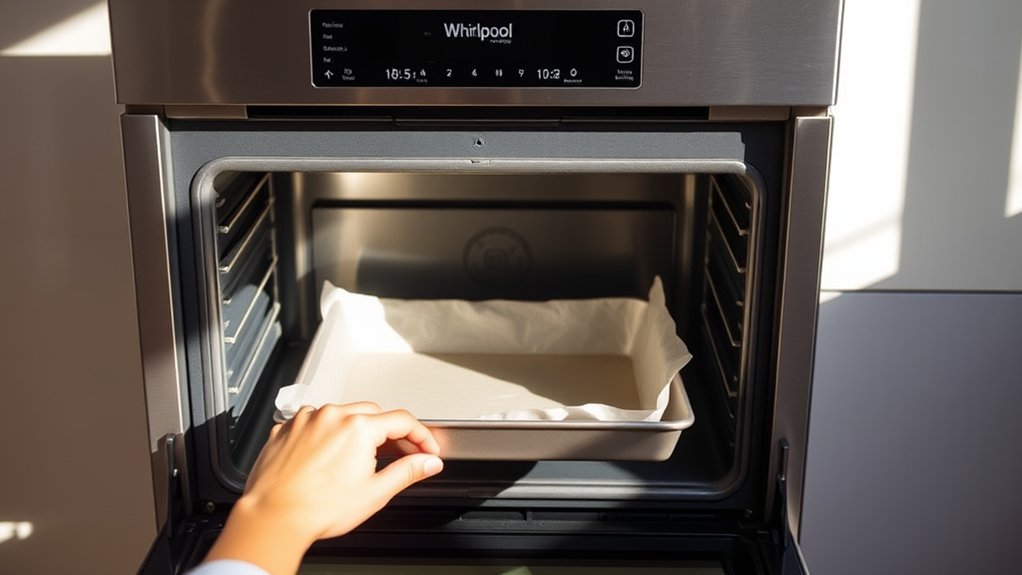
How to Use a Whirlpool Oven in 7 Easy Steps
To use your Whirlpool oven in 7 easy steps, start by mastering the control panel to set the temperature and cooking modes such as Bake or Broil. Understanding these features is essential for achieving perfect cooking results every time.
Preheating the oven fully before placing your food inside ensures even cooking throughout.
Use the timer to keep track of your cooking time and adjust settings as needed to avoid overcooking or undercooking.
Properly utilize the oven racks and accessories to maximize space and heat distribution.
Monitor your food by checking through the oven light without opening the door, which helps maintain consistent temperature.
After cooking, clean any spills promptly to avoid buildup and odors.
Maintain the oven door seals to ensure energy efficiency and optimal performance.
Following these simple steps will help you get the best out of your Whirlpool oven every time you cook.
Key Takeaways
- Locate and understand the control panel with digital display, buttons, or knobs before starting your Whirlpool oven.
- Select the appropriate cooking mode (Bake, Convection, Broil, Roast) and set the desired temperature, then wait for preheating to complete.
- Use the timer function to set cooking duration and adjust temperature or time during cooking as needed for best results.
- Monitor your food through the oven light and check doneness using visual cues or a thermometer without opening the door frequently.
- Clean spills after cooling, maintain oven racks separately, and follow safety guidelines for bulb replacement and door seal inspection.
Master Your Whirlpool Oven’s Controls
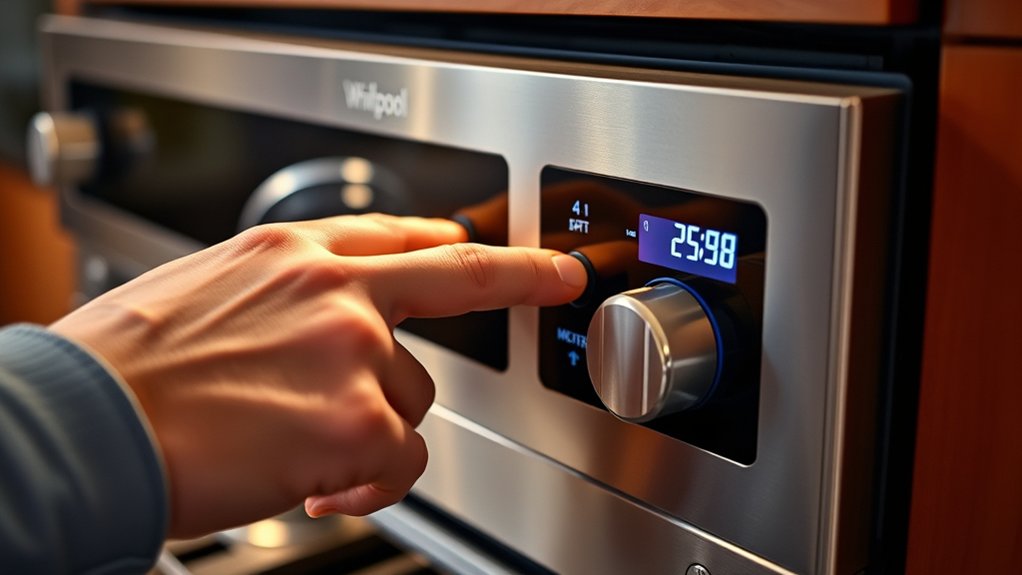
Before you begin cooking, you’ll want to get familiar with your Whirlpool oven’s controls. Start by locating the main control panel, which usually features a digital display and a few buttons or knobs. These allow you to set the temperature, timer, and various other functions.
You’ll notice buttons for starting, canceling, and adjusting settings—make sure you understand each one before use. Learn how to navigate the menu options if your model has a touchscreen or digital interface. Don’t forget to check the oven light button, which helps you monitor your food without opening the door.
Practicing with the controls when the oven is off will boost your confidence and prevent mistakes once you start cooking.
Set the Right Cooking Mode for Your Recipe
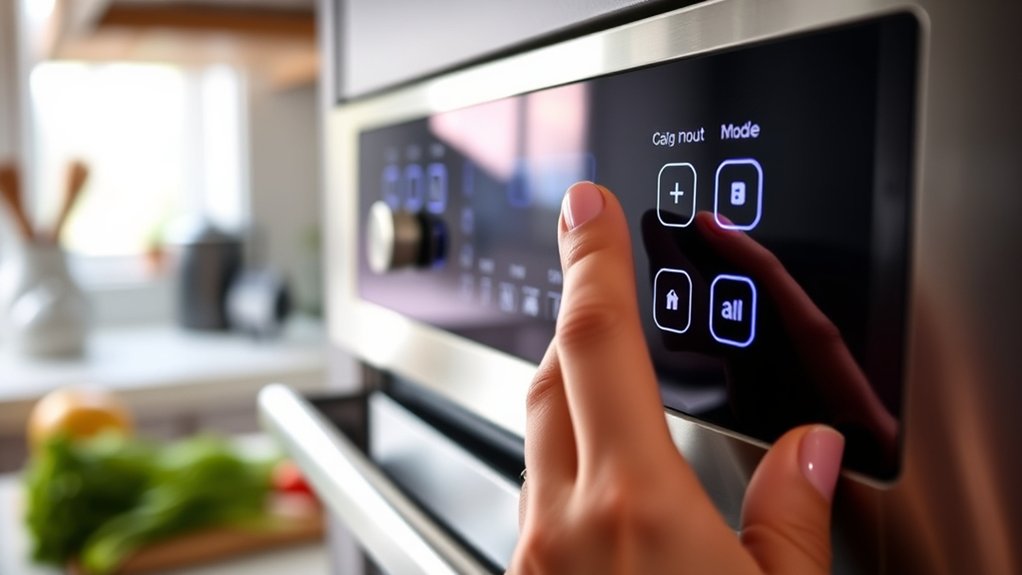
Now that you’re comfortable with your Whirlpool oven’s controls, it’s time to choose the cooking mode that best suits your recipe. Whirlpool ovens offer various modes like Bake, Convection Bake, Broil, and Roast. For baking cakes or cookies, select Bake for even heat distribution.
If you want faster cooking with crispy edges, try Convection Bake, which circulates hot air around your food. Use Broil for high, direct heat—perfect for melting cheese or grilling vegetables. Roast is ideal for meats, providing a crispy exterior and juicy interior.
Always check your recipe’s recommended mode, then turn the selector to that setting. Picking the right mode guarantees your dish cooks evenly and tastes just right every time.
Preheat Your Whirlpool Oven Properly
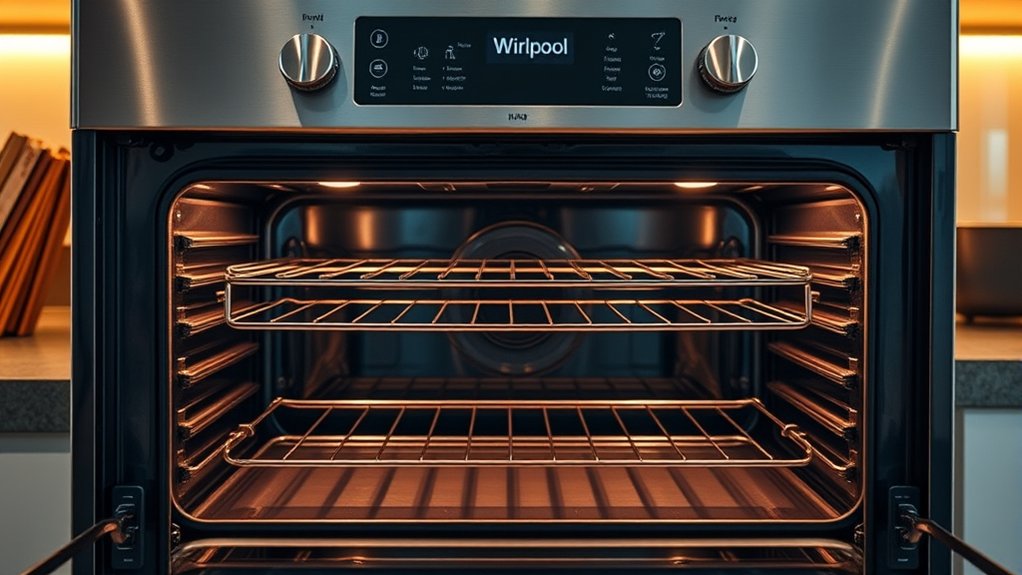
Although it might be tempting to place your food inside immediately, preheating your Whirlpool oven guarantees it reaches the right temperature for even cooking. To start, turn the oven on and select the desired temperature using the control panel. Wait for the oven’s indicator light or beep to signal it’s fully preheated.
Avoid opening the door during this time, as heat escapes and prolongs preheating. Proper preheating ensures your dishes cook consistently and helps achieve the best texture and flavor. Remember, skipping this step may lead to uneven cooking or undercooked meals.
Once your oven signals it’s ready, place your food inside promptly to maintain that ideal temperature throughout the cooking process.
Adjust Whirlpool Oven Temperature and Timer
Now that your Whirlpool oven is preheated, you can set the temperature to match your recipe’s requirements. Use the timer feature to keep track of cooking time without constantly watching the clock.
Adjust both settings as needed to guarantee your food cooks perfectly every time.
Setting Oven Temperature
How do you set the perfect temperature on your Whirlpool oven? Start by pressing the “Bake” button on the control panel. Then, use the number pad or the plus and minus buttons to enter your desired temperature.
Most recipes specify an ideal temperature, so follow those guidelines closely. After setting the temperature, press “Start” to begin preheating. The oven will display the temperature as it rises, letting you know when it’s ready.
If you need to adjust the temperature during cooking, simply press “Bake” again and enter the new temperature. Remember, accurate temperature control guarantees even cooking and the best results for your dishes every time you use your Whirlpool oven.
Using The Timer Feature
Adjusting the oven temperature is just one way to control your cooking, but setting the timer helps you keep track of cooking time without constant monitoring. To use the timer on your Whirlpool oven, first press the “Timer” button. Then, use the “+” or “–” buttons to set the desired cooking duration.
Once set, the timer will count down, allowing you to focus on other tasks. When the time’s up, the oven will beep to alert you, so you don’t risk overcooking. Remember, the timer controls only the alert, not the oven’s operation, so you still need to start and stop the oven manually.
Using the timer feature guarantees you cook your dishes precisely without watching the clock constantly.
Adjusting For Cooking Needs
Because every recipe and ingredient calls for different cooking conditions, you’ll want to perfect both the oven temperature and timer to match your specific needs. Start by checking the recipe for recommended settings, then adjust your Whirlpool oven accordingly.
Here’s how you can do it effectively:
- Set the Temperature: Use the control panel to choose the exact temperature. If your recipe calls for 350°F, don’t guess—set it precisely for consistent results.
- Adjust the Timer: Input the cooking time based on your dish. If you’re unsure, start with the recipe’s suggested time, then add or subtract minutes as needed during cooking.
- Monitor and Modify: Keep an eye on your food’s progress. If it’s browning too fast or cooking unevenly, lower the temperature slightly or extend the timer.
Fine-tuning these settings ensures perfect dishes every time.
Get the Most From Whirlpool Oven Racks and Accessories
When you use your Whirlpool oven racks and accessories effectively, you can maximize cooking space and guarantee even heat distribution. Start by adjusting the racks to the right height based on what you’re cooking—lower racks work well for roasting, while middle racks are ideal for baking. Use multiple racks to cook several dishes at once, but allow enough space between them for air to circulate.
Take advantage of accessories like broiler pans or baking stones to enhance cooking results. Remember to remove any racks not in use to avoid uneven heating. Also, don’t forget to clean racks and accessories regularly to maintain their performance.
Keep an Eye on Your Food as It Cooks
As your food cooks, make certain you monitor the oven temperature regularly to keep it just right. Use the oven light often to check on your dish without opening the door. Keep an eye on the food’s consistency to guarantee it cooks evenly and doesn’t overcook.
Monitor Temperature Regularly
Although your Whirlpool oven offers precise temperature settings, you should still monitor the temperature regularly to guarantee your food cooks evenly and doesn’t burn. Ovens can have hot spots, so checking assures your meal turns out perfectly.
Here’s how to stay on top of it:
- Use an oven thermometer to verify the actual temperature inside, as your oven’s display might not always be accurate.
- Check your food periodically through the door window, avoiding opening the oven too often to maintain a stable temperature.
- Adjust the temperature or cooking time if you notice uneven cooking or browning.
Use Oven Light Often
Since opening the oven door can cause heat loss and disrupt cooking, you should rely on the oven light to check your food’s progress. Using the oven light lets you see how your dish is coming along without interrupting the cooking cycle or lowering the temperature inside.
Most Whirlpool ovens have a conveniently placed light switch or automatic light that turns on when the door opens. Make it a habit to turn on the light regularly, especially during longer cooking times, to monitor browning, bubbling, or rising. This simple step helps you avoid undercooking or burning your food.
Check Food Consistency
Keeping the oven light on helps you observe your dish, but you should also check the food’s consistency as it cooks. This guarantees your meal turns out perfectly every time.
Here’s how to keep an eye on it:
- Use a thermometer or skewer: Test the texture or temperature of the food to avoid undercooking or overcooking.
- Look for visual cues: Browning, bubbling, or firmness can tell you if the food is ready or needs more time.
- Adjust cooking time if needed: If the consistency isn’t right, add or reduce cooking time in small increments.
Clean and Maintain Your Whirlpool Oven
To guarantee your Whirlpool oven runs efficiently and lasts longer, you need to clean and maintain it regularly. Start by wiping spills immediately after the oven cools to prevent buildup. Use a mild detergent and a soft cloth for routine cleaning, avoiding harsh chemicals that can damage surfaces.
Clean the oven racks separately with warm, soapy water. For the self-cleaning feature, follow the manufacturer’s instructions carefully to avoid damage. Check and replace the oven light bulb if needed.
Inspect the door seal regularly to ensure it’s intact, as a damaged seal can affect cooking performance. Finally, schedule professional maintenance yearly to keep internal components in top shape. These simple steps help you enjoy a reliable, safe Whirlpool oven every time.
Frequently Asked Questions
Can I Use My Whirlpool Oven During a Power Outage?
You can’t use your Whirlpool oven during a power outage because it relies on electricity to operate. Consider using alternative cooking methods like a gas stove, grill, or camping stove until the power’s restored.
What Warranty Does a Whirlpool Oven Typically Have?
Isn’t peace of mind priceless? Whirlpool ovens typically come with a one-year limited warranty covering parts and labor.
You can also register for extended coverage, ensuring your investment stays protected longer and you cook worry-free.
Are Whirlpool Ovens Compatible With Smart Home Devices?
Yes, Whirlpool ovens often work with smart home devices. You can control and monitor your oven using compatible apps or voice assistants like Alexa or Google Assistant, making cooking more convenient and hands-free for you.
How Energy Efficient Is a Whirlpool Oven Compared to Other Brands?
You’ll find Whirlpool ovens fairly energy efficient, often matching or exceeding other brands. Their insulation and cooking technology help reduce energy use, saving you money.
Still, comparing specific models’ Energy Star ratings guarantees the best choice.
Can I Replace Whirlpool Oven Parts Myself Safely?
You can replace Whirlpool oven parts yourself safely if you follow the manual, unplug the appliance, and use proper tools.
However, if you’re unsure or dealing with electrical components, it’s best to hire a professional to avoid risks.
Conclusion
Now that you know how to use your Whirlpool oven in just seven easy steps, you’re ready to cook like a pro. Remember, practice makes perfect, so don’t be afraid to experiment with different settings and recipes.
Keep an eye on your food, adjust as needed, and maintain your oven regularly to guarantee it lasts. With these tips, you’ll enjoy delicious meals and make the most of your Whirlpool oven every time.
By following these simple instructions, you can confidently use your Whirlpool oven for a variety of cooking tasks. Enjoy the convenience and efficiency of your appliance as you create tasty dishes. Happy cooking with your Whirlpool oven!